> ## Documentation Index
> Fetch the complete documentation index at: https://docs.allium.so/llms.txt
> Use this file to discover all available pages before exploring further.
# Assistant
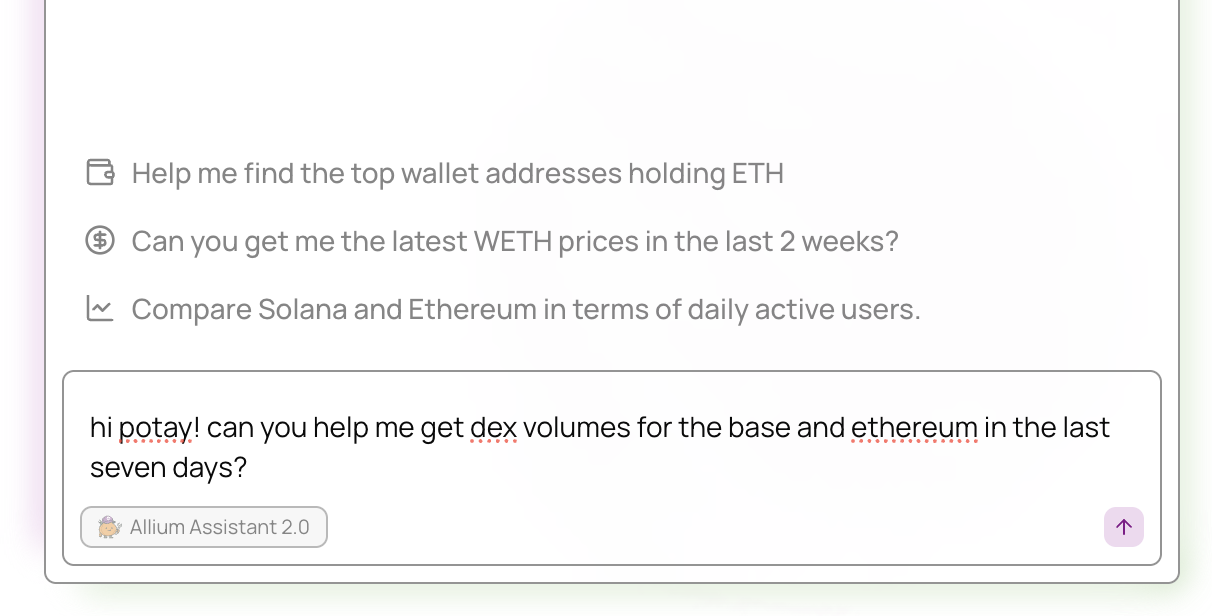
> An AI-powered blockchain data analyst built into the Allium App. Ask questions in plain English, get SQL queries, dashboards, reports, and live data.
The Allium AI Assistant is an **agentic blockchain data analyst** built into [app.allium.so](https://app.allium.so/assistant). It goes beyond simple SQL generation - it can search schemas, write and execute queries, create dashboards, share results, look up wallets, generate PDF reports, and even deploy live web apps, all through natural language conversation.
 ## Capabilities
Schema discovery, SQL generation, validation, and execution with confirmation flow
Create interactive dashboards with charts, then share them publicly
Public links, share to X/LinkedIn, PDF reports
Token prices, wallet balances, and transaction history - no SQL needed
Persistent context shared across your entire org
Current events, market context, and protocol research
Create real-time data pipelines with natural language
Deploy interactive Next.js apps from conversation
## Getting started
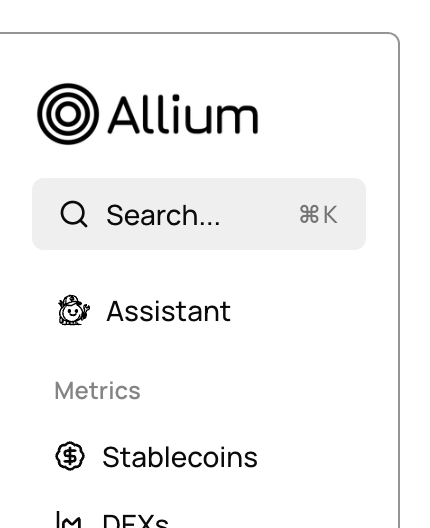
Click the **Assistant** icon in the sidebar of the [Allium App](https://app.allium.so).
## Capabilities
Schema discovery, SQL generation, validation, and execution with confirmation flow
Create interactive dashboards with charts, then share them publicly
Public links, share to X/LinkedIn, PDF reports
Token prices, wallet balances, and transaction history - no SQL needed
Persistent context shared across your entire org
Current events, market context, and protocol research
Create real-time data pipelines with natural language
Deploy interactive Next.js apps from conversation
## Getting started
Click the **Assistant** icon in the sidebar of the [Allium App](https://app.allium.so).
 Type your question in plain English. The assistant plans and executes the steps needed to answer it.
**Example questions:**
* "Show me DEX volume by chain for the last 30 days"
* "What are the top 10 tokens by trading volume on Ethereum?"
* "Create a dashboard showing daily active wallets on Solana"
* "What's the current price of ETH?"
* "Look up this wallet: 0xabc..."
Continue the conversation to drill deeper. The assistant remembers your full session context, so you can say things like "break that down by DEX" or "add a chart for that" without repeating yourself.
## Example workflow
**Question:**
> Show me DEX trading volume by blockchain over the last 90 days and create a dashboard for it.
**What the assistant does:**
1. **Searches schemas** to find the right tables (`crosschain.dex.trades`)
2. **Writes and validates SQL:**
```sql theme={null}
SELECT
DATE(block_timestamp) AS date,
chain,
SUM(usd_amount) AS usd_volume,
COUNT(DISTINCT transaction_from_address) AS traders
FROM
crosschain.dex.trades
WHERE
block_timestamp >= CURRENT_TIMESTAMP - INTERVAL '90 days'
GROUP BY
date, chain
ORDER BY
date DESC;
```
3. **Executes the query** and returns results
4. **Creates a dashboard** with charts visualizing volume and trader counts by chain
5. **Shares a link** so you can access the dashboard anytime
See [Examples](/ai/assistant/examples) for more detailed end-to-end walkthroughs.
## Tips
The more precise your question, the better the assistant can find the right schemas and write accurate queries.
The assistant handles multi-step workflows automatically. Ask for the end result and let it figure out the steps.
Build on previous results in the same conversation - refine queries, add filters, or request visualizations.
Always review generated queries and dashboards to ensure they match your requirements.
## Need help?
For specific queries or deeper insights beyond the AI Assistant, reach out to [support@allium.so](mailto:support@allium.so). We're happy to set up a Slack or Telegram channel for easy communication.
Type your question in plain English. The assistant plans and executes the steps needed to answer it.
**Example questions:**
* "Show me DEX volume by chain for the last 30 days"
* "What are the top 10 tokens by trading volume on Ethereum?"
* "Create a dashboard showing daily active wallets on Solana"
* "What's the current price of ETH?"
* "Look up this wallet: 0xabc..."
Continue the conversation to drill deeper. The assistant remembers your full session context, so you can say things like "break that down by DEX" or "add a chart for that" without repeating yourself.
## Example workflow
**Question:**
> Show me DEX trading volume by blockchain over the last 90 days and create a dashboard for it.
**What the assistant does:**
1. **Searches schemas** to find the right tables (`crosschain.dex.trades`)
2. **Writes and validates SQL:**
```sql theme={null}
SELECT
DATE(block_timestamp) AS date,
chain,
SUM(usd_amount) AS usd_volume,
COUNT(DISTINCT transaction_from_address) AS traders
FROM
crosschain.dex.trades
WHERE
block_timestamp >= CURRENT_TIMESTAMP - INTERVAL '90 days'
GROUP BY
date, chain
ORDER BY
date DESC;
```
3. **Executes the query** and returns results
4. **Creates a dashboard** with charts visualizing volume and trader counts by chain
5. **Shares a link** so you can access the dashboard anytime
See [Examples](/ai/assistant/examples) for more detailed end-to-end walkthroughs.
## Tips
The more precise your question, the better the assistant can find the right schemas and write accurate queries.
The assistant handles multi-step workflows automatically. Ask for the end result and let it figure out the steps.
Build on previous results in the same conversation - refine queries, add filters, or request visualizations.
Always review generated queries and dashboards to ensure they match your requirements.
## Need help?
For specific queries or deeper insights beyond the AI Assistant, reach out to [support@allium.so](mailto:support@allium.so). We're happy to set up a Slack or Telegram channel for easy communication.