> ## Documentation Index
> Fetch the complete documentation index at: https://docs.allium.so/llms.txt
> Use this file to discover all available pages before exploring further.
# Multi-Factor Authentication (MFA)
> Protect your account with an extra verification step.
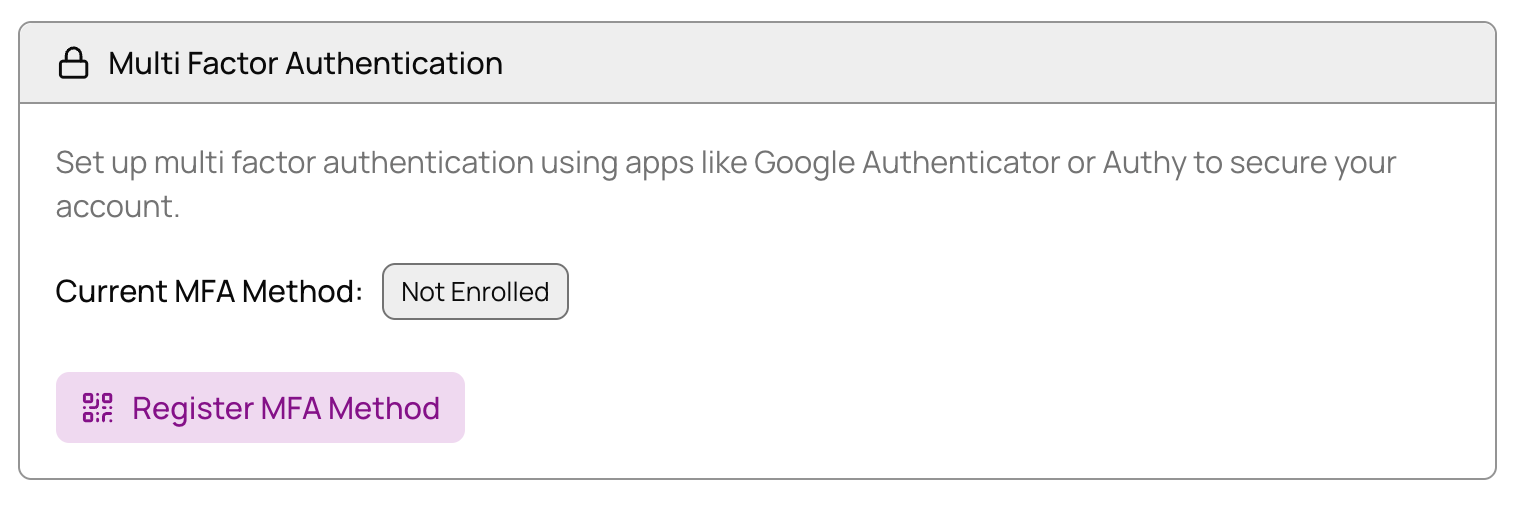
Secure your Allium account by adding multi-factor authentication. This adds an extra layer of security by requiring a verification code from your authenticator app in addition to your password.
## Enable MFA
Go to [**Settings → Account**](https://app.allium.so/settings/account).
Under **Multi Factor Authentication**, click **Register MFA Method**.
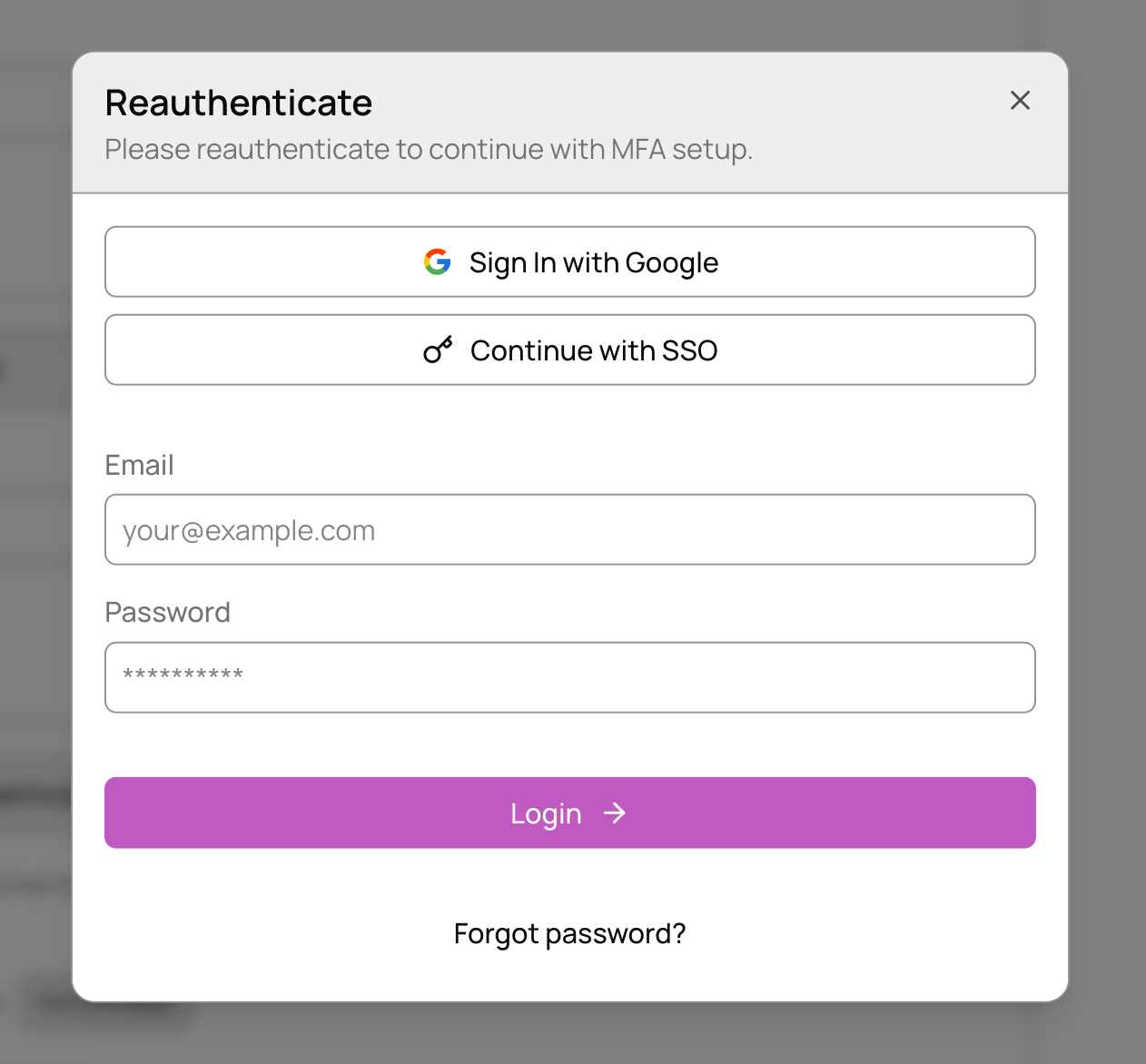
 Enter your usual login credentials to verify your identity.
 Use your authenticator app to scan the QR code, or manually enter the code provided.
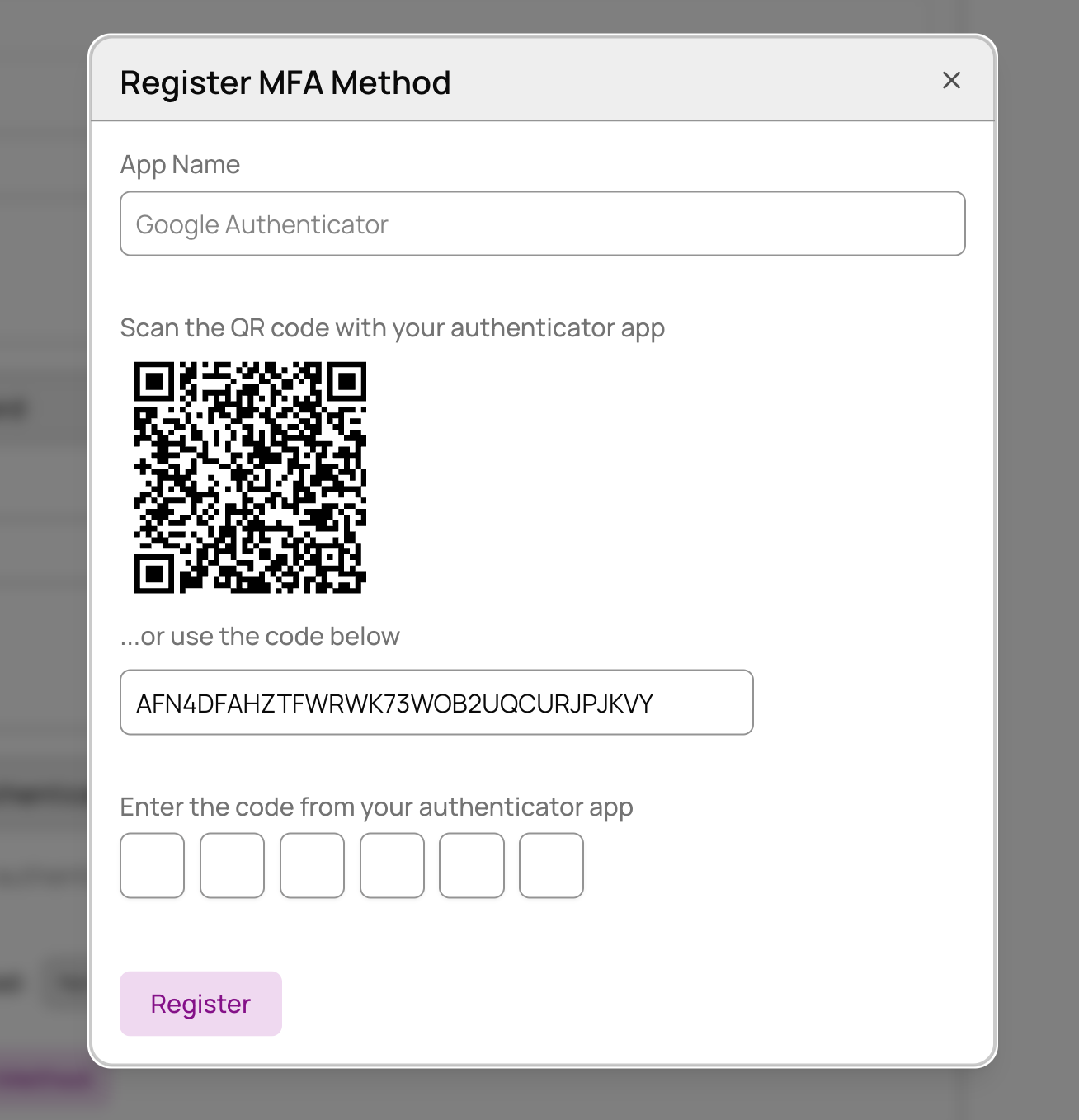 Enter the 6-digit code from your authenticator app and click **Register**.
**Success!** You've successfully enabled MFA. Your account is now more secure with two-factor authentication.
Enter the 6-digit code from your authenticator app and click **Register**.
**Success!** You've successfully enabled MFA. Your account is now more secure with two-factor authentication.