> ## Documentation Index
> Fetch the complete documentation index at: https://docs.allium.so/llms.txt
> Use this file to discover all available pages before exploring further.
# Secrets
> Manage organization secrets for Beam pipelines and integrations.
Store credentials and sensitive values for use in [Beam pipelines](/beam/overview) and integrations. Only organization admins can manage secrets.
## Create a secret
Open [**Settings → Secrets**](https://app.allium.so/settings/secrets).
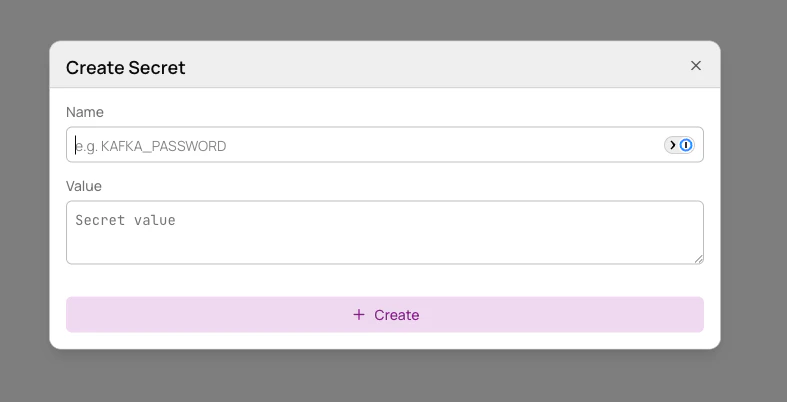
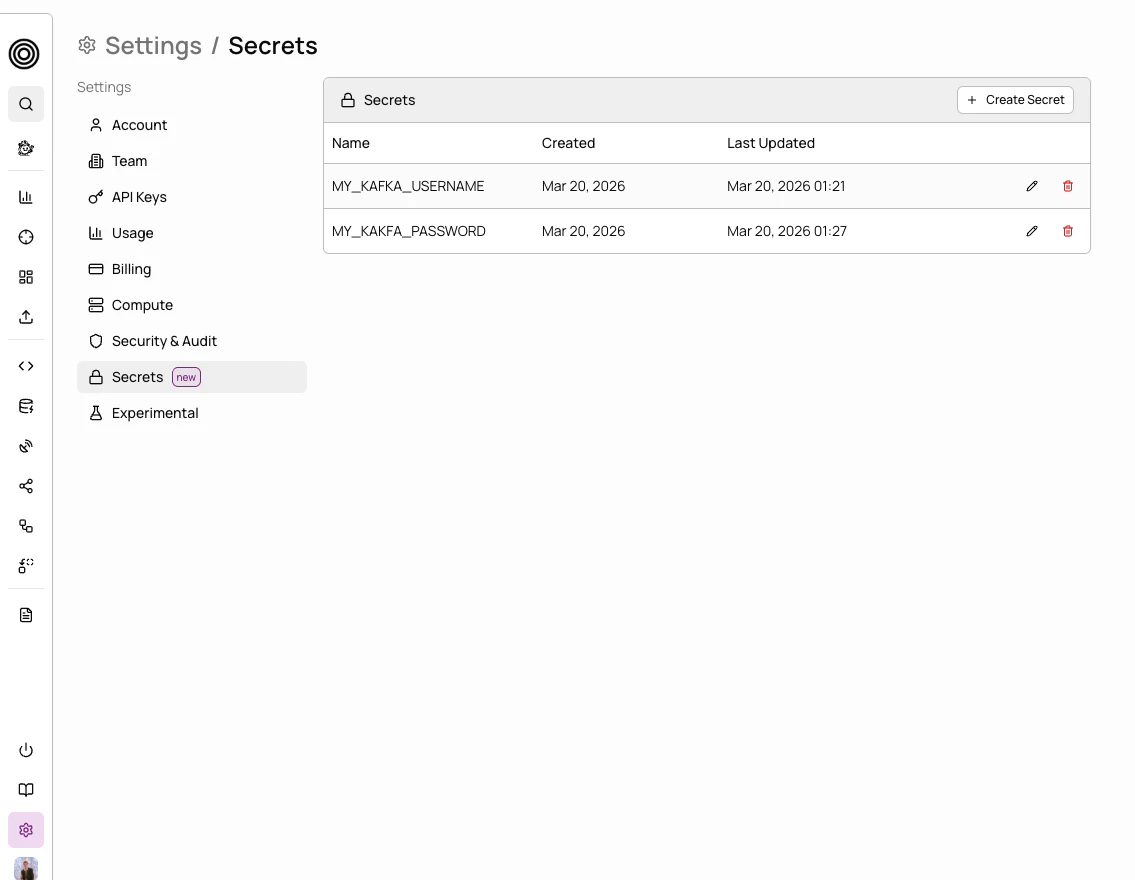 Click **Create**, enter a **name** and **value**, then click **Save**.
 ## Update a secret
Open [**Settings → Secrets**](https://app.allium.so/settings/secrets) and locate the secret you want to update.
Click the secret's edit button, enter the new value, and click **Update**.
## Update a secret
Open [**Settings → Secrets**](https://app.allium.so/settings/secrets) and locate the secret you want to update.
Click the secret's edit button, enter the new value, and click **Update**.
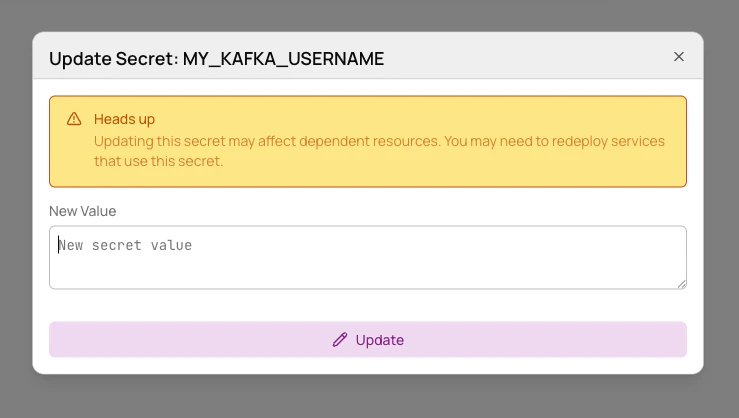 Updating a secret does not automatically propagate to running Beam pipelines. You must **redeploy** any dependent pipelines for the new value to take effect.
## Delete a secret
Open [**Settings → Secrets**](https://app.allium.so/settings/secrets) and locate the secret you want to delete.
Click the secret's delete button and confirm the deletion.
Deleting a secret will cause any Beam pipelines or integrations that reference it to **fail**. Make sure no active resources depend on the secret before deleting.
## Permissions
| Role | Access |
| :--------- | :----------------------------------------- |
| **Admin** | Full access — create, read, update, delete |
| **Member** | No access |
| **Viewer** | No access |
Updating a secret does not automatically propagate to running Beam pipelines. You must **redeploy** any dependent pipelines for the new value to take effect.
## Delete a secret
Open [**Settings → Secrets**](https://app.allium.so/settings/secrets) and locate the secret you want to delete.
Click the secret's delete button and confirm the deletion.
Deleting a secret will cause any Beam pipelines or integrations that reference it to **fail**. Make sure no active resources depend on the secret before deleting.
## Permissions
| Role | Access |
| :--------- | :----------------------------------------- |
| **Admin** | Full access — create, read, update, delete |
| **Member** | No access |
| **Viewer** | No access |