> ## Documentation Index
> Fetch the complete documentation index at: https://docs.allium.so/llms.txt
> Use this file to discover all available pages before exploring further.
# Usage limits
> Cap how many Explorer Units your organization or each member can spend.
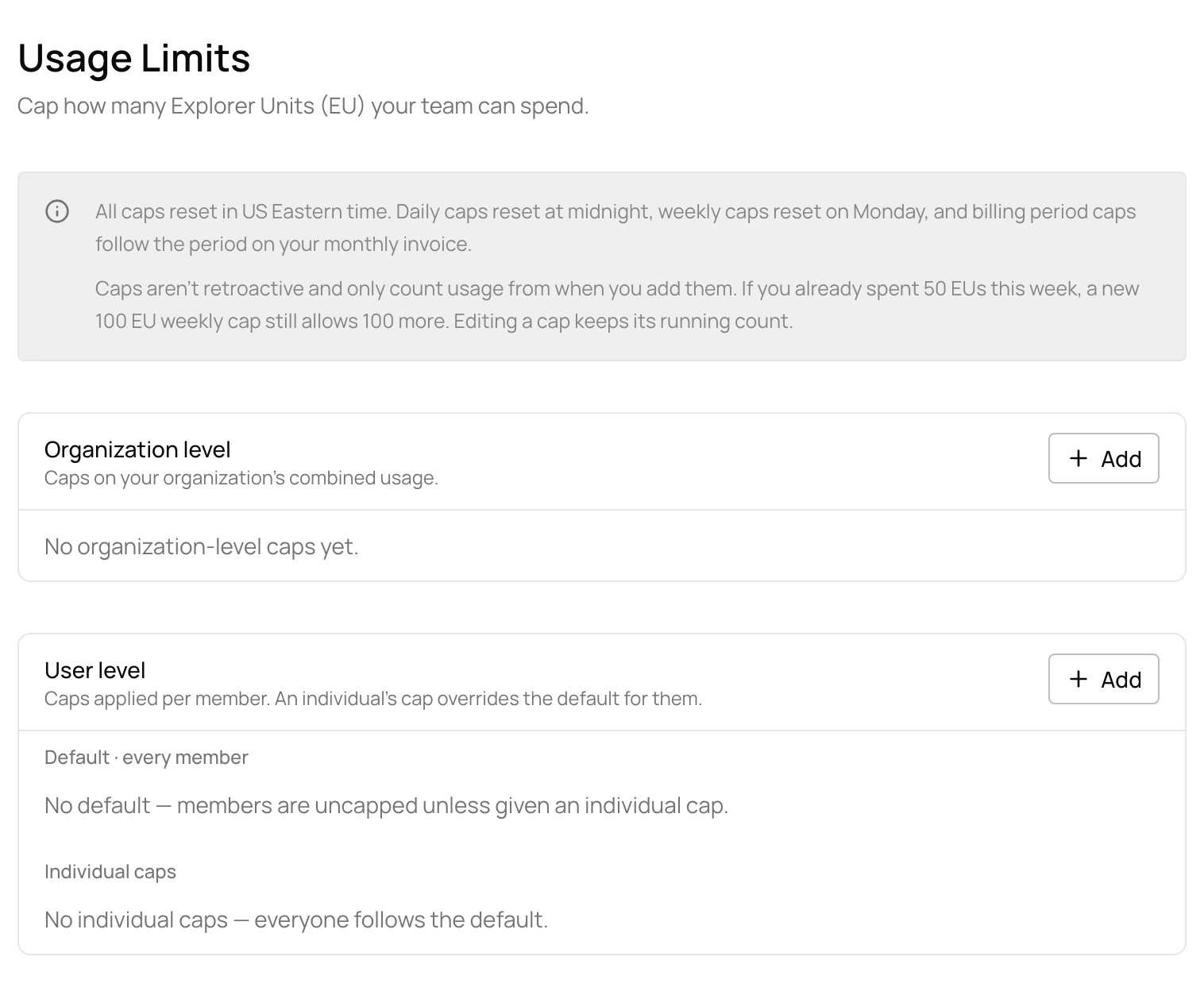
Admins can cap Explorer Unit (EU) spend per day, week or billing period, for the whole organization or per member. Once a cap is reached, Explorer queries are blocked until it resets.
 | Level | Applies to |
| :- | :- |
| **Organization** | Your organization's combined usage |
| **Default member cap** | Every member without an individual cap |
| **Individual cap** | One member, in place of the default |
## Add a cap
Open [**Settings > Usage Limits**](https://app.allium.so/settings/usage-limits) and choose **Add** for the organization or for members.
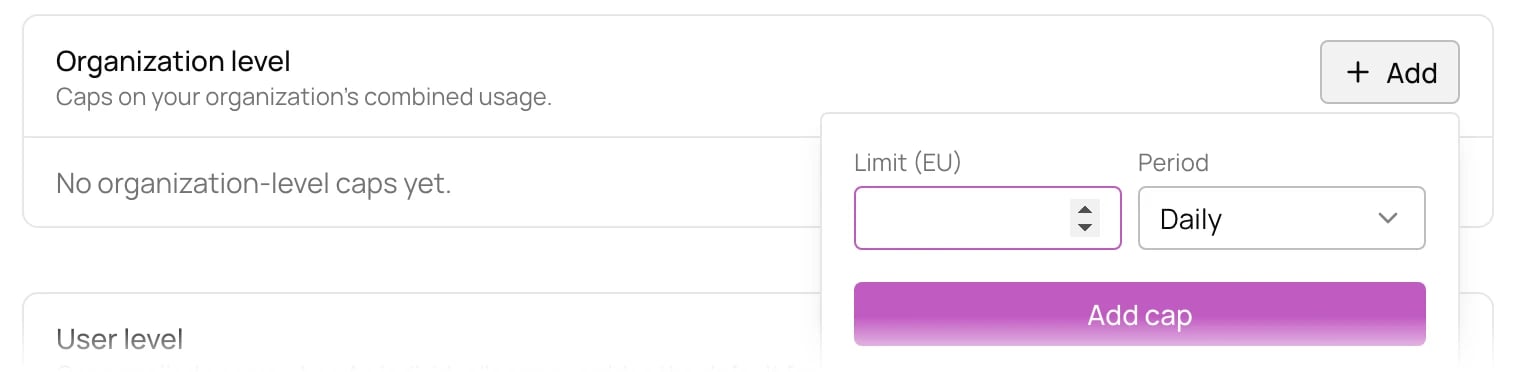
Enter the limit in EU and a period: daily, weekly or billing period. For a member cap, pick every member (the default) or one member. Then choose **Add cap**.
| Level | Applies to |
| :- | :- |
| **Organization** | Your organization's combined usage |
| **Default member cap** | Every member without an individual cap |
| **Individual cap** | One member, in place of the default |
## Add a cap
Open [**Settings > Usage Limits**](https://app.allium.so/settings/usage-limits) and choose **Add** for the organization or for members.
Enter the limit in EU and a period: daily, weekly or billing period. For a member cap, pick every member (the default) or one member. Then choose **Add cap**.
 ## How caps count
* Caps reset in US Eastern time: daily caps at midnight, weekly caps on Monday, and billing period caps with your monthly invoice period.
* Caps only count usage from when you add them. If you already spent 50 EU this week, a new 100 EU weekly cap still allows 100 more.
* Editing a cap keeps its running count.
To decide what happens after your plan's included units run out, see [overage settings](/app/organization-management/usage-and-billing#overage-settings).
## How caps count
* Caps reset in US Eastern time: daily caps at midnight, weekly caps on Monday, and billing period caps with your monthly invoice period.
* Caps only count usage from when you add them. If you already spent 50 EU this week, a new 100 EU weekly cap still allows 100 more.
* Editing a cap keeps its running count.
To decide what happens after your plan's included units run out, see [overage settings](/app/organization-management/usage-and-billing#overage-settings).