> ## Documentation Index
> Fetch the complete documentation index at: https://docs.allium.so/llms.txt
> Use this file to discover all available pages before exploring further.
# Backfill jobs
> Send historical blockchain data through a filter and transform to any Beam sink.
A backfill job reads historical rows for one chain and entity, optionally filters and transforms them, and delivers them to a sink. It takes the same sink types as a pipeline: Kafka, Amazon SNS, webhook, external Kafka, and NATS JetStream.
## Start a job
In Allium App, open **Build > Beam > Backfill Jobs** and choose **Start Job**.
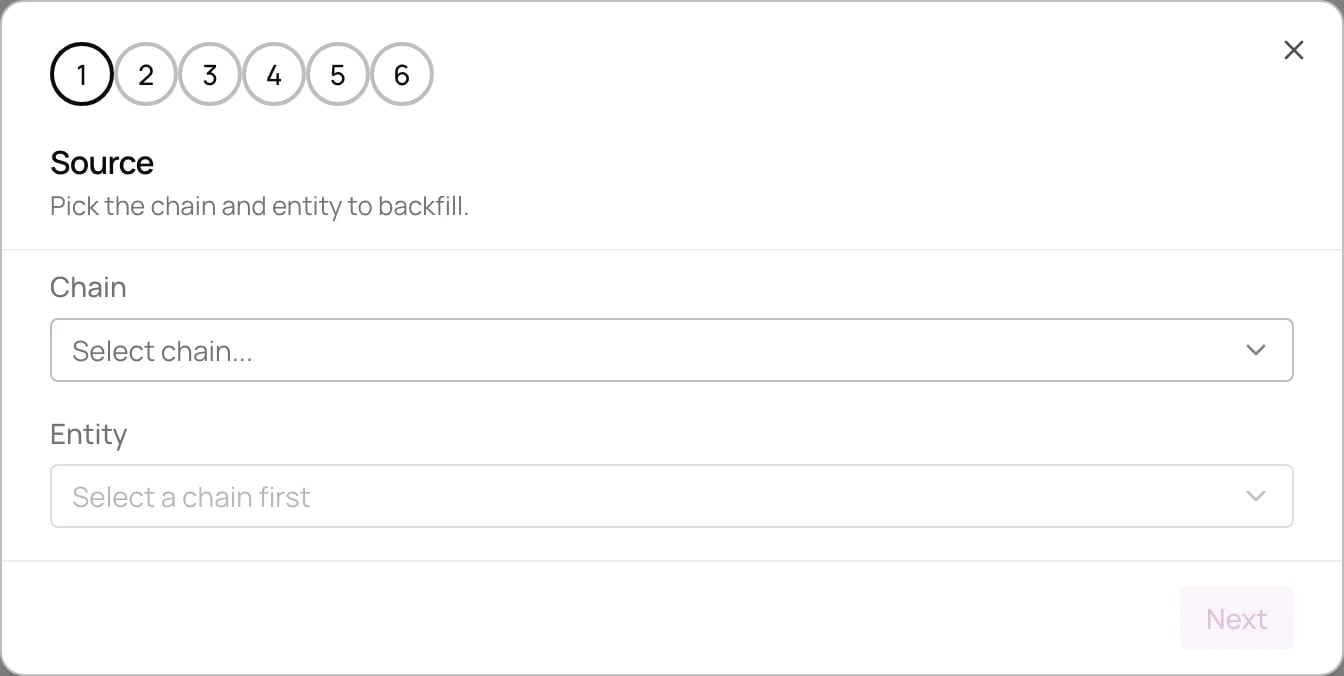 Pick the chain and entity to backfill.
Name the job and review the columns it will output.
Optional. Keep only rows where a column matches the values you enter.
Optional. Reshape each row with a JavaScript function, as in a pipeline's [JavaScript transform](/beam/configuration#javascript).
Set the range of rows to backfill. Start defaults to 3 months ago and can't be earlier. End defaults to now.
Choose where the rows go. External sinks read their credentials from [organization secrets](/app/organization-management/secrets).
**Confirm** starts the job. Each job reports its progress while it runs, and can be cancelled.
Pick the chain and entity to backfill.
Name the job and review the columns it will output.
Optional. Keep only rows where a column matches the values you enter.
Optional. Reshape each row with a JavaScript function, as in a pipeline's [JavaScript transform](/beam/configuration#javascript).
Set the range of rows to backfill. Start defaults to 3 months ago and can't be earlier. End defaults to now.
Choose where the rows go. External sinks read their credentials from [organization secrets](/app/organization-management/secrets).
**Confirm** starts the job. Each job reports its progress while it runs, and can be cancelled.