

Capabilities
Natural language to SQL
Schema discovery, SQL generation, validation, and execution with confirmation flow
Dashboards & visualizations
Create interactive dashboards with charts, then share them publicly
Sharing & export
Public links, share to X/LinkedIn, PDF reports
Real-time data
Token prices, wallet balances, and transaction history - no SQL needed
Organization memory
Persistent context shared across your entire org
Web search
Current events, market context, and protocol research
Data pipelines (Beam)
Create real-time data pipelines with natural language
Live web apps (Vercel)
Deploy interactive Next.js apps from conversation
Getting started
Open the Assistant
Click the Assistant icon in the sidebar of the Allium App.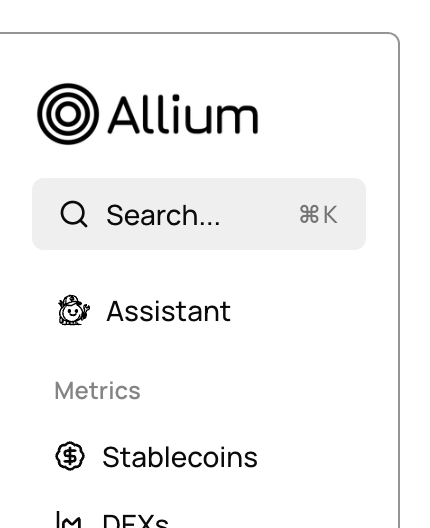
Ask a question
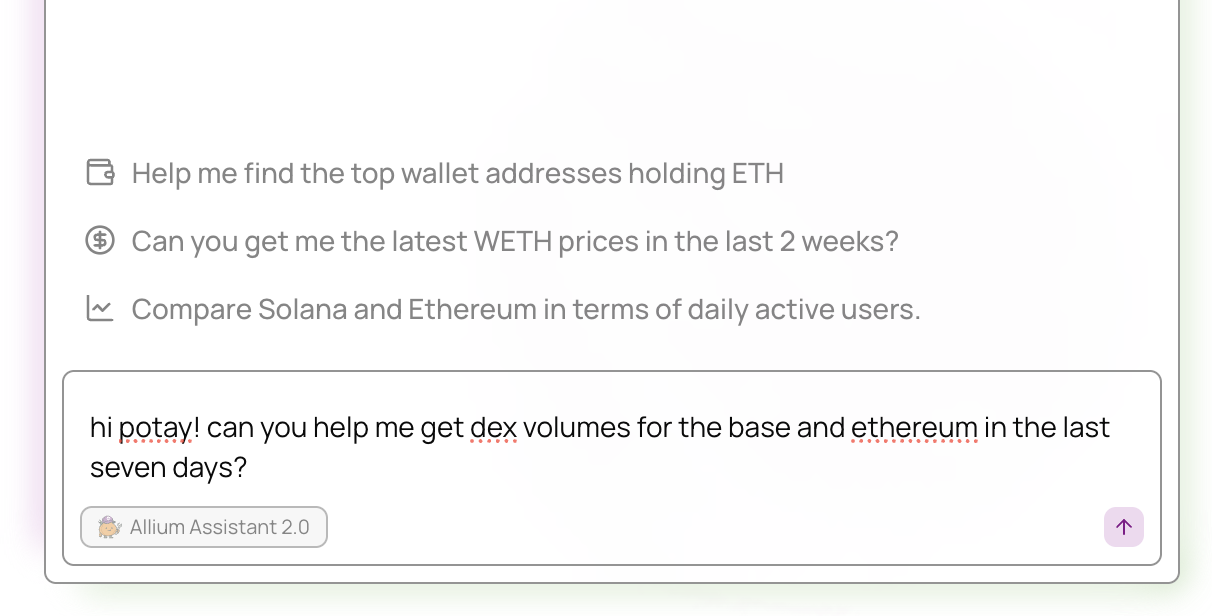
Type your question in plain English. The assistant plans and executes the steps needed to answer it.Example questions:
- “Show me DEX volume by chain for the last 30 days”
- “What are the top 10 tokens by trading volume on Ethereum?”
- “Create a dashboard showing daily active wallets on Solana”
- “What’s the current price of ETH?”
- “Look up this wallet: 0xabc…”
Example workflow
From question to dashboard
From question to dashboard
Question:
Show me DEX trading volume by blockchain over the last 90 days and create a dashboard for it.What the assistant does:
- Searches schemas to find the right tables (
crosschain.dex.trades) - Writes and validates SQL:
- Executes the query and returns results
- Creates a dashboard with charts visualizing volume and trader counts by chain
- Shares a link so you can access the dashboard anytime
See Examples for more detailed end-to-end walkthroughs.
Tips
Be specific
The more precise your question, the better the assistant can find the right schemas and write accurate queries.
Let it work
The assistant handles multi-step workflows automatically. Ask for the end result and let it figure out the steps.
Iterate naturally
Build on previous results in the same conversation - refine queries, add filters, or request visualizations.
Review results
Always review generated queries and dashboards to ensure they match your requirements.
Need help?
For specific queries or deeper insights beyond the AI Assistant, reach out to support@allium.so. We’re happy to set up a Slack or Telegram channel for easy communication.