

/ in the composer to run it again with today’s data.
Custom skills are private to your user. Other people in your organization or account can’t see or run them.
Saving a prompt as a skill, then running it with /. The skills shown are examples.
When to use a skill
The skills below are examples of skills you could create. Allium does not provide them.Recurring reports
/daily-movers: the top Base tokens by 24h DEX volume, with anything up 2x day over day flagged.Standard methodology
/stablecoin-pulse: weekly stablecoin supply and flows by chain, with the same filters every time.Investigations
/wallet-xray: profile a wallet’s flows and top counterparties. Add the address after the skill name.Your conventions
Encode the chains, tables, and definitions you use, so you get the same answer every time.
Create a skill
- Ask the Assistant
- In settings
Ask the Assistant to turn a prompt, or the conversation you just had, into a skill:The Assistant drafts the name, description, and instructions, shows them to you, and saves the skill after you approve it. To change a skill later, ask the Assistant to update it.
Run a skill
Type/ in the composer and pick a skill from the list, or keep typing to filter it. Any text after the skill name is passed as context, for example /wallet-xray 0xd8dA6BF26964aF9D7eEd9e03E53415D37aA96045. You can link up to 10 skills in one message.
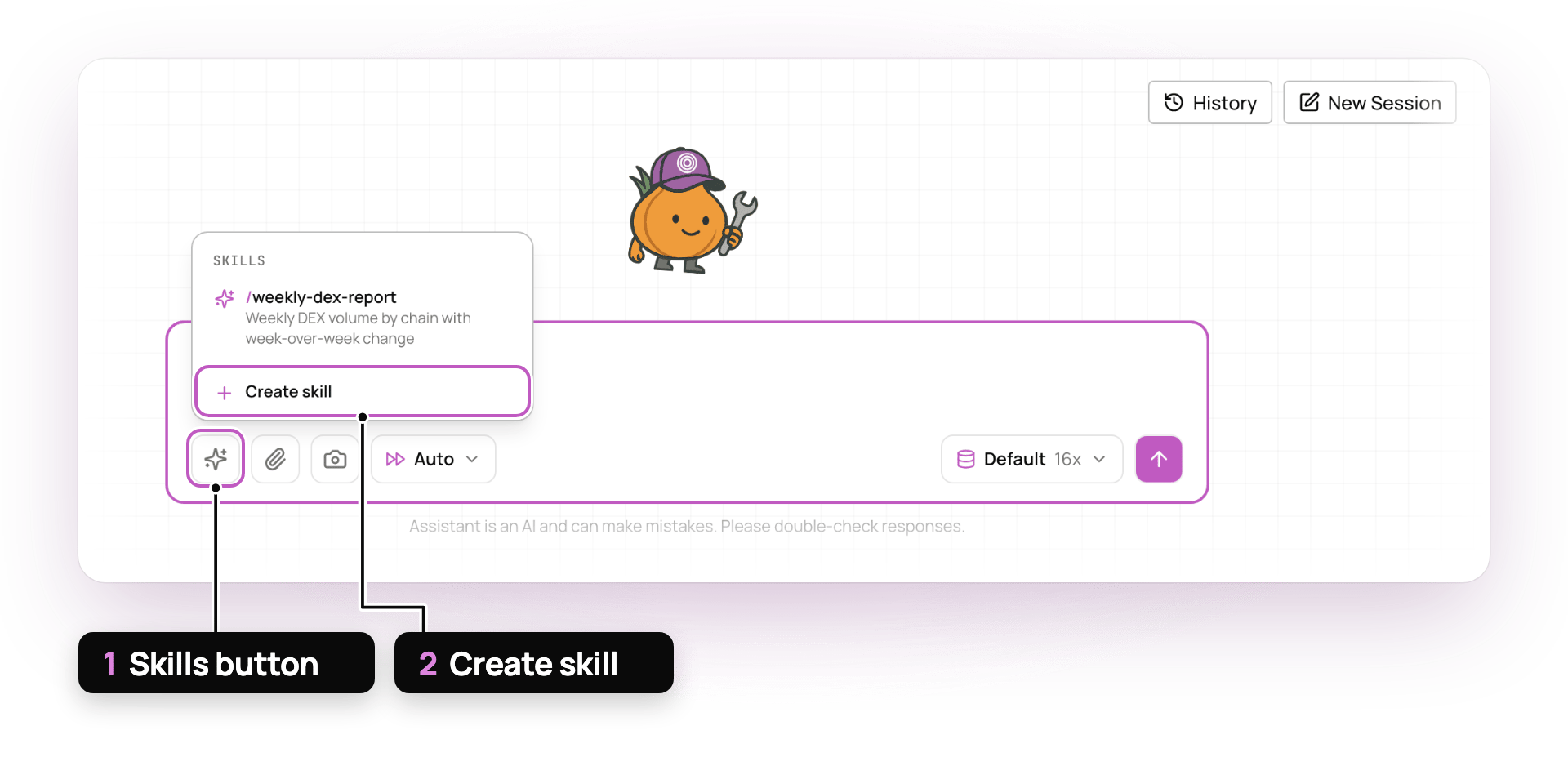
The skill picker, with an example skill
- Skills button
- Create skill
Custom skills sit on top of the skills Allium ships, such as SQL optimization and dashboard design. The Assistant always loads Allium’s skills, and you can’t edit them. To use Allium’s skills in your own agent, see Skills over MCP.
Related
Organization memory
Store facts, such as addresses and preferences, that every conversation can use
Capabilities
Everything the Assistant can do