

Create a secret
1
Navigate to Secrets settings
Open Settings → Secrets.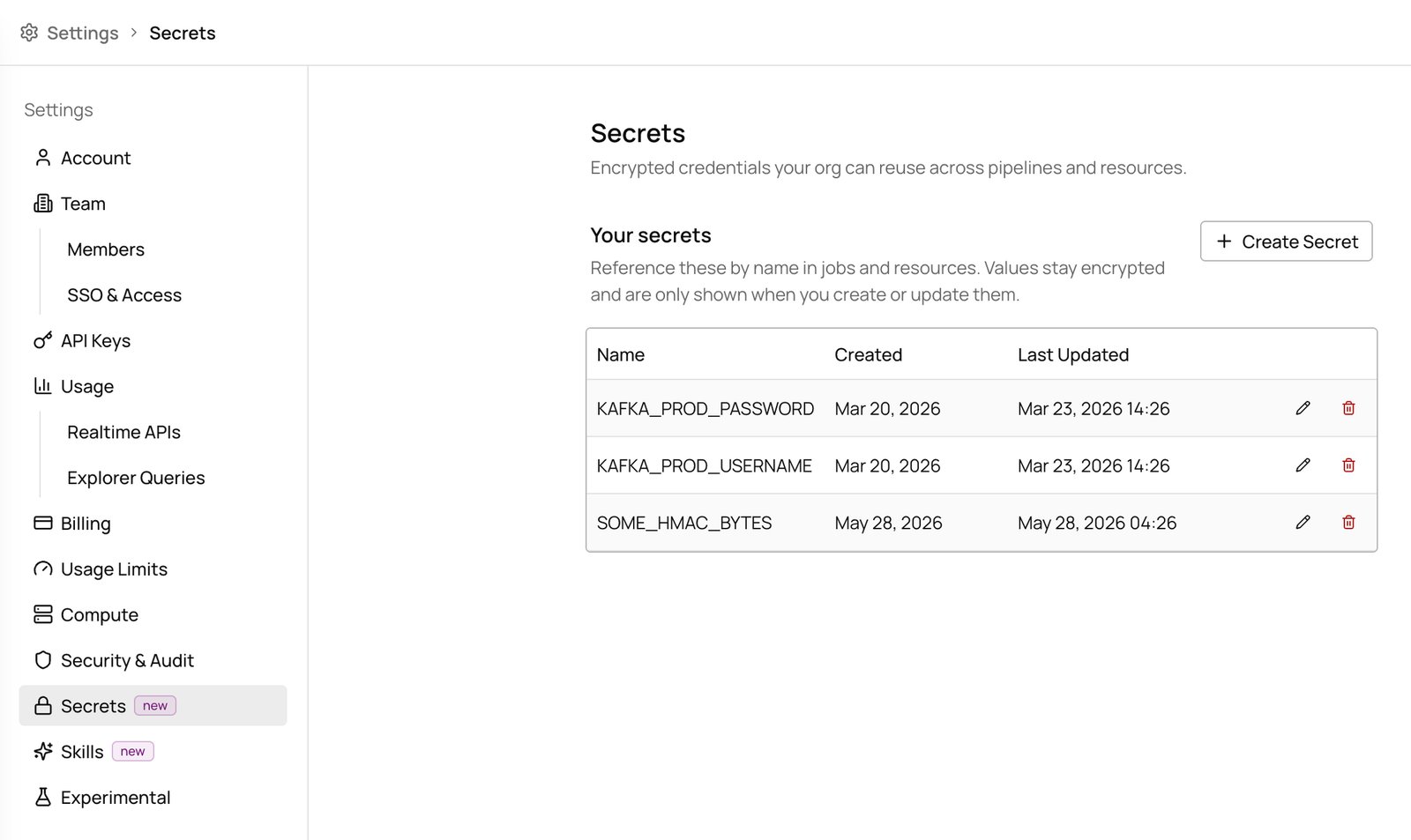
2
Create a new secret
Click Create Secret, enter a name and value, then click Create.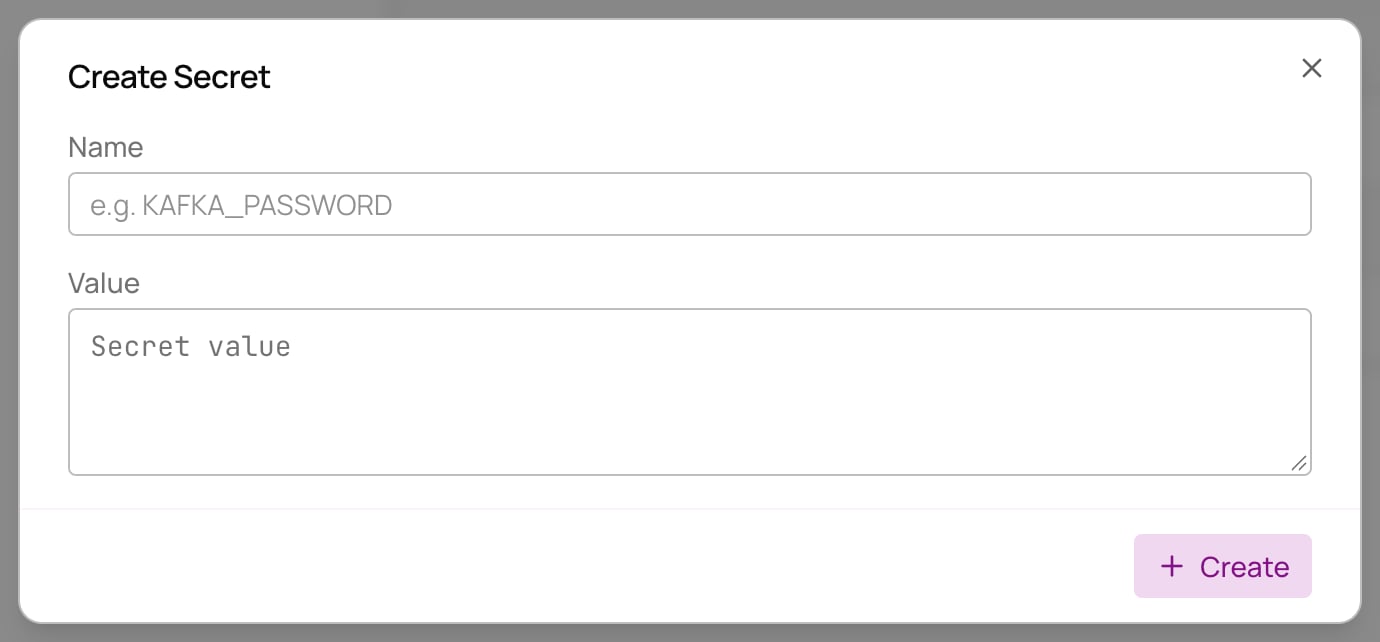
Update a secret
1
Find the secret
Open Settings → Secrets and locate the secret you want to update.
2
Edit the value
Click the secret’s edit button, enter the new value, and click Update.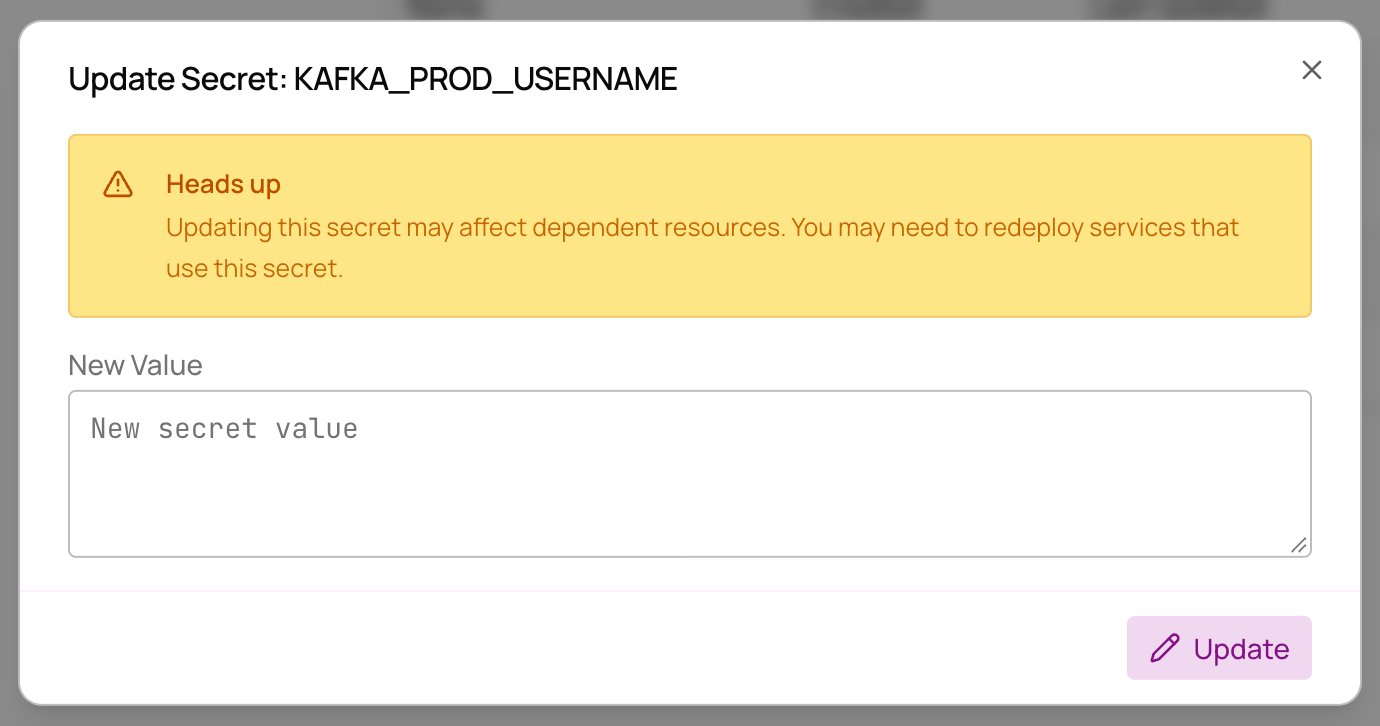
Delete a secret
1
Find the secret
Open Settings → Secrets and locate the secret you want to delete.
2
Delete and confirm
Click the secret’s delete button and confirm the deletion.