

Start a job
In Allium App, open Build > Beam > Backfill Jobs and choose Start Job.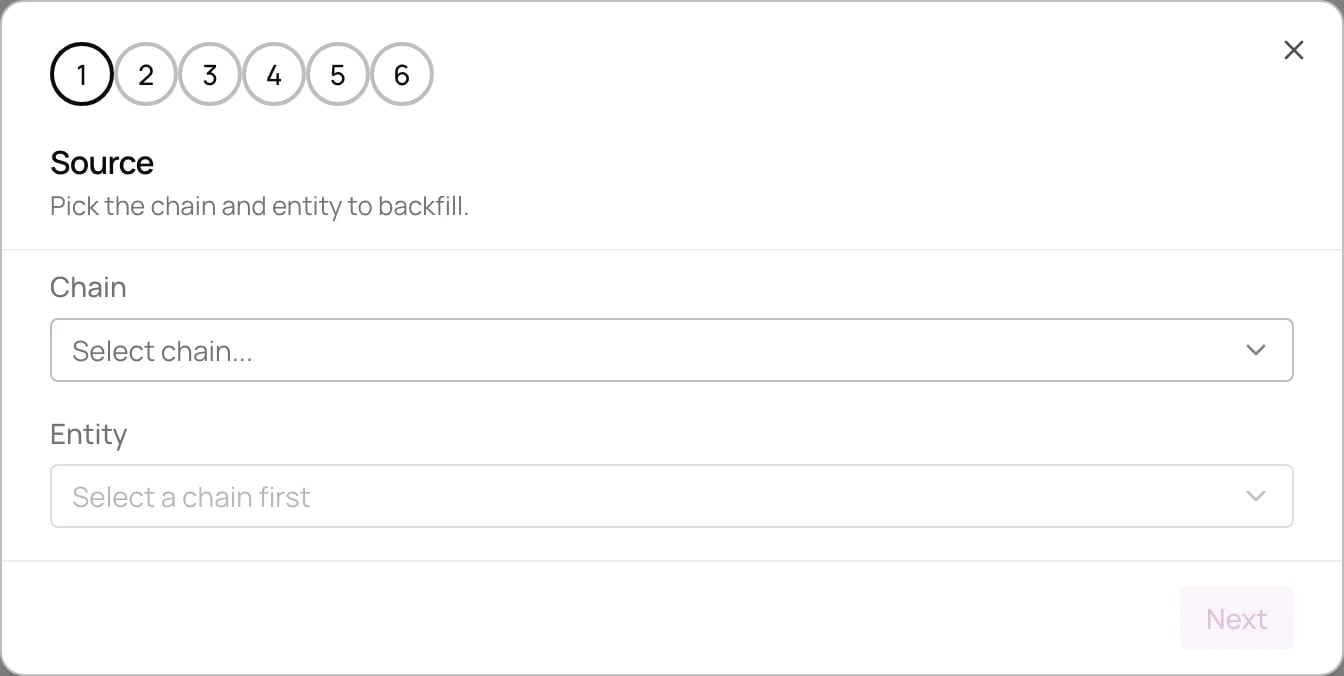
1
Source
Pick the chain and entity to backfill.
2
Name and columns
Name the job and review the columns it will output.
3
Filter
Optional. Keep only rows where a column matches the values you enter.
4
Transform
Optional. Reshape each row with a JavaScript function, as in a pipeline’s JavaScript transform.
5
Window
Set the range of rows to backfill. Start defaults to 3 months ago and can’t be earlier. End defaults to now.
6
Sink
Choose where the rows go. External sinks read their credentials from organization secrets.