

Beta access required. Beam is in beta. Contact [email protected] to request access before you begin.
Create your first pipeline
1
Create a pipeline
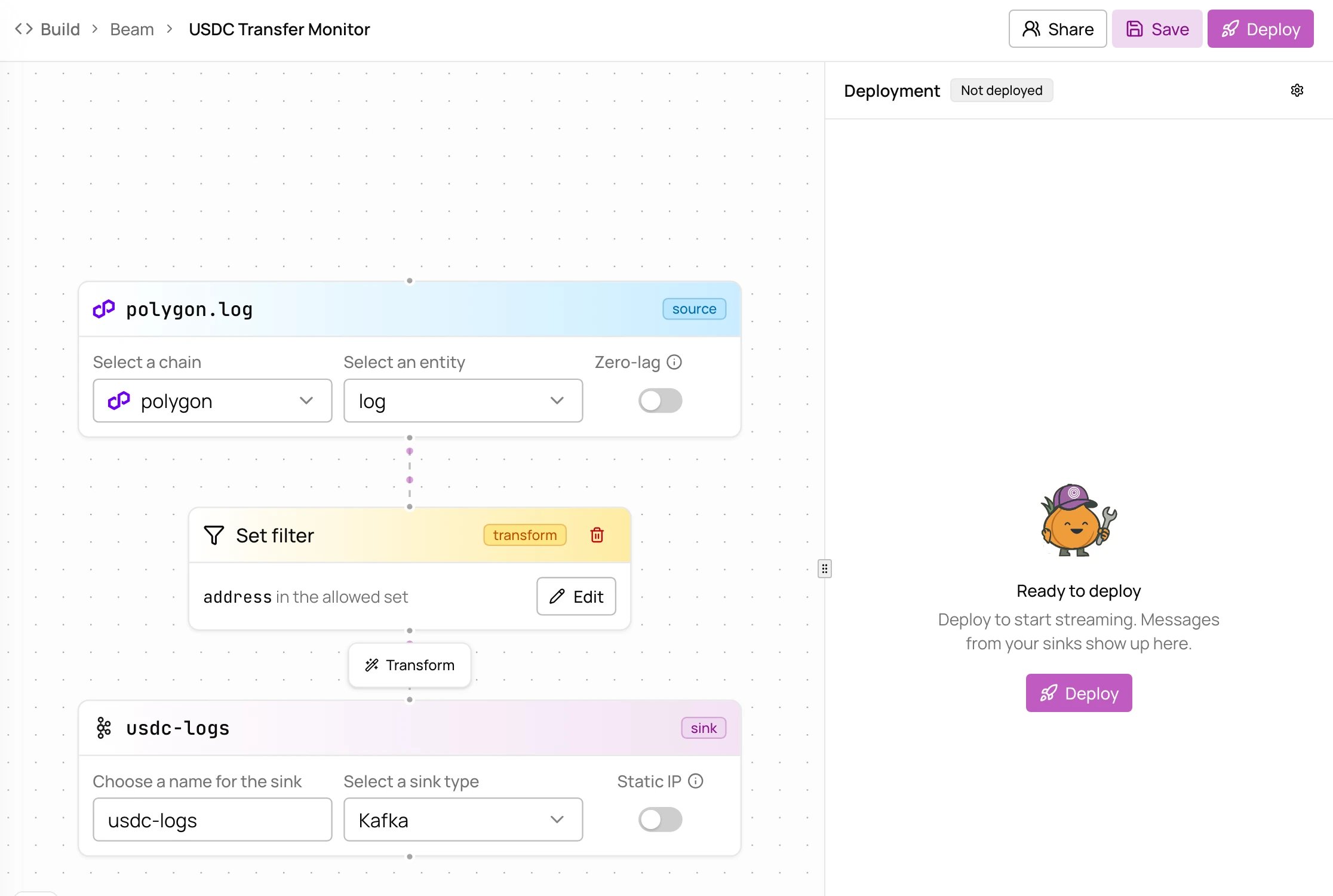
In Allium App, open Build > Beam and choose New. A new pipeline streams Polygon logs through an empty set filter into a Kafka sink. Start with Template builds one from a template instead, and can deploy it in the same step.
2
Pick the source
Choose a chain and entity to stream, for example polygon and log for every Polygon log. Zero-lag streams from the chain tip before finality, for lower latency at the cost of possible reorged data.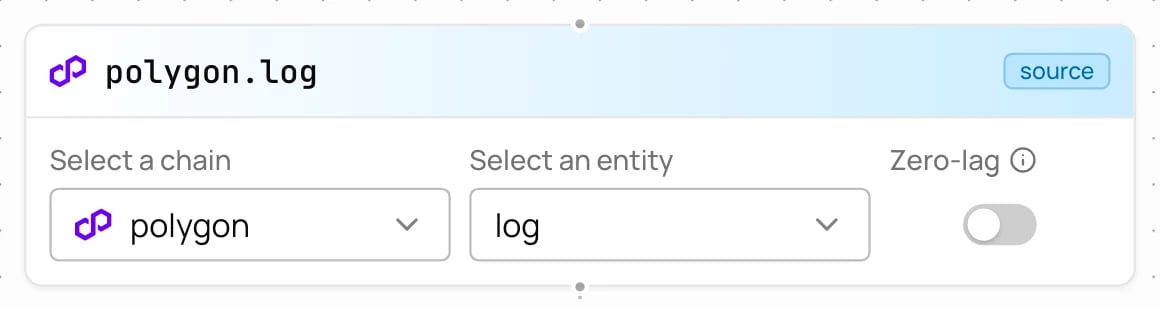
3
Filter the records
Edit the set filter, pick the field to match, and add the values to keep. To keep only USDC on Polygon, filter on 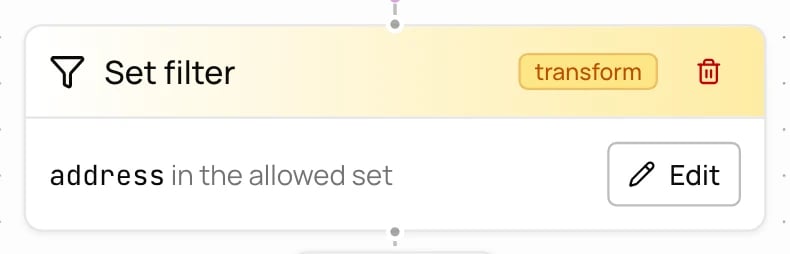
address, the contract that emitted the log, and add 0x3c499c542cef5e3811e1192ce70d8cc03d5c3359. Values can be pasted or uploaded as a .txt or .csv file.4
Name the sink
Name the Kafka sink, for example 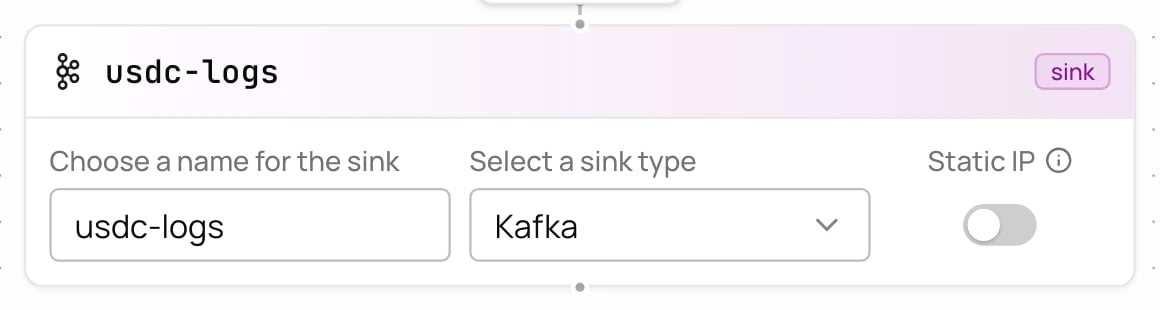
usdc-logs. The name becomes part of the topic you consume from.5
Deploy
Save keeps the pipeline without running it. Deploy provisions your Kafka topic and credentials and starts the pipeline, usually in under 30 seconds.
6
Consume your data
Once deployed, Get cooking has the Kafka credentials, the topic, and consumer code with the credentials filled in.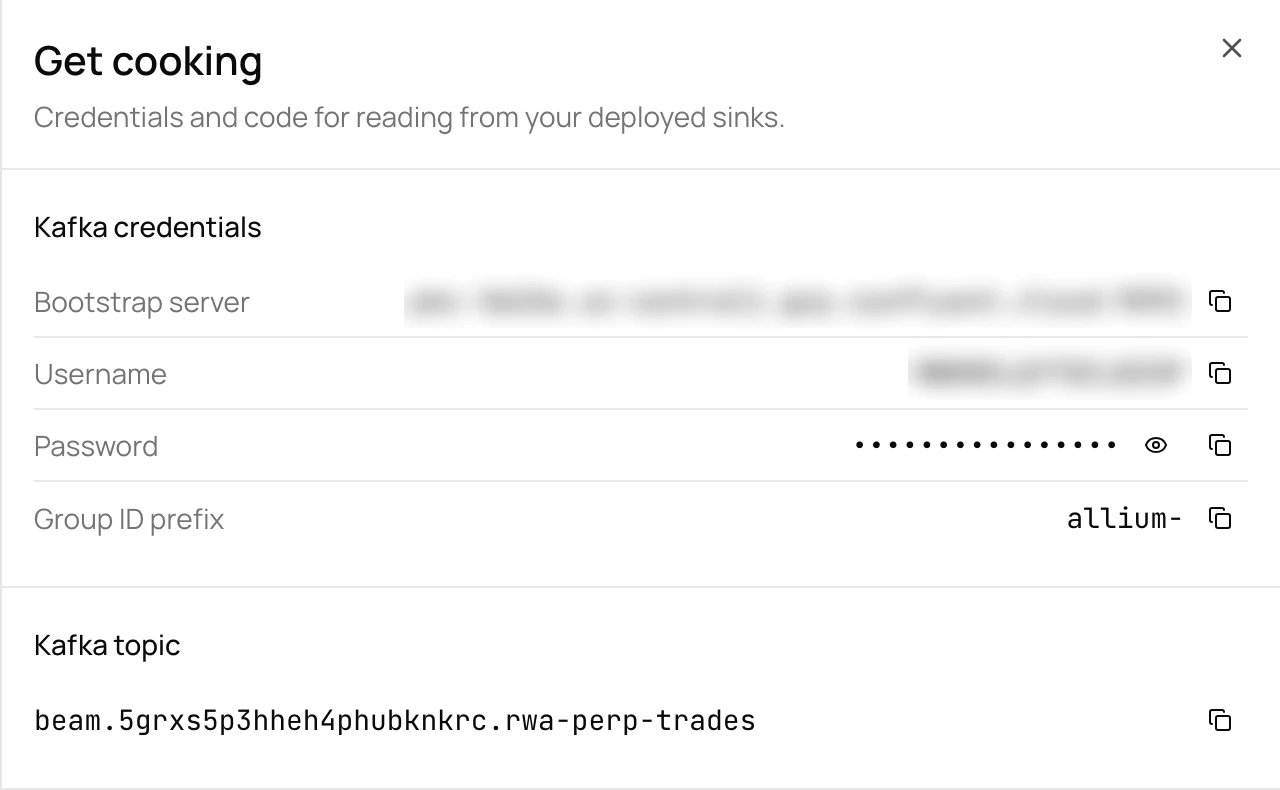
Verify your deployment
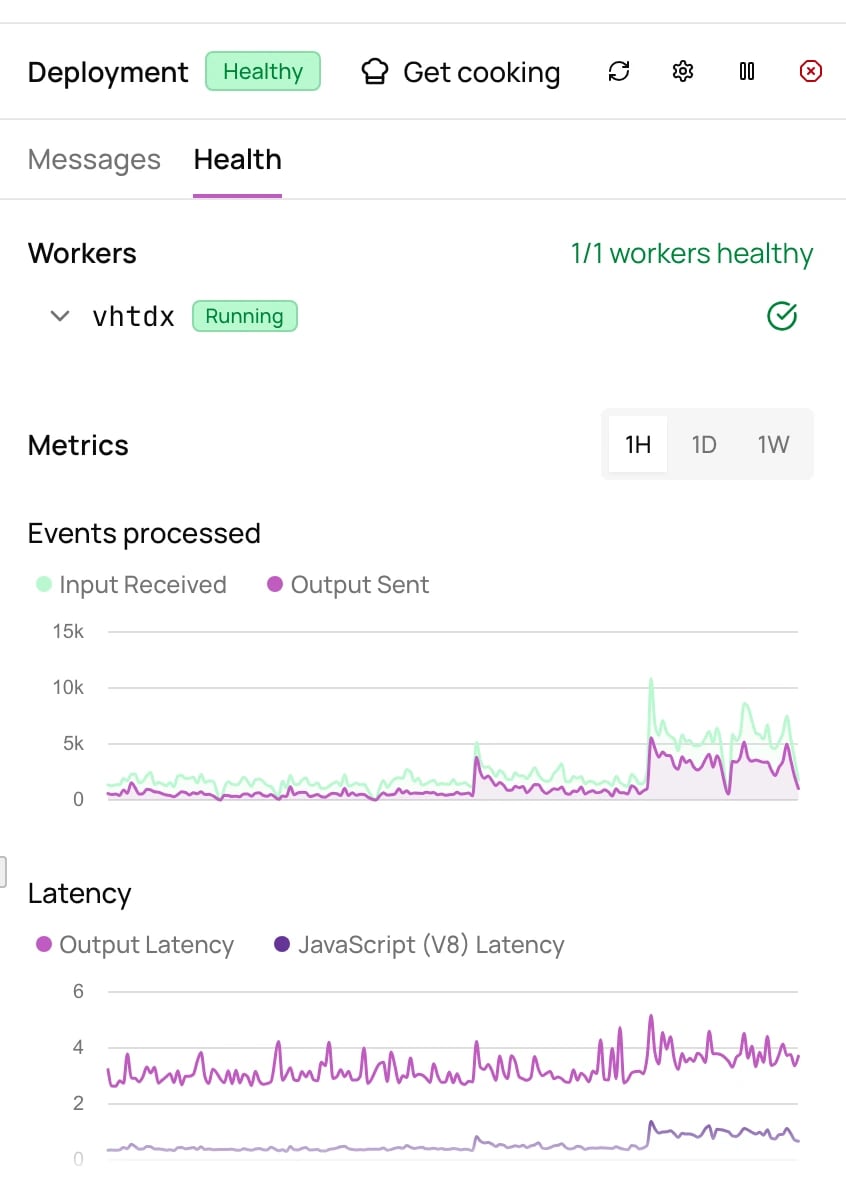
A deployed pipeline previews the latest messages from each sink, and reports worker health, events processed, latency, and errors over the last hour, day, or week. Every worker should be healthy. If one isn’t, see Troubleshooting.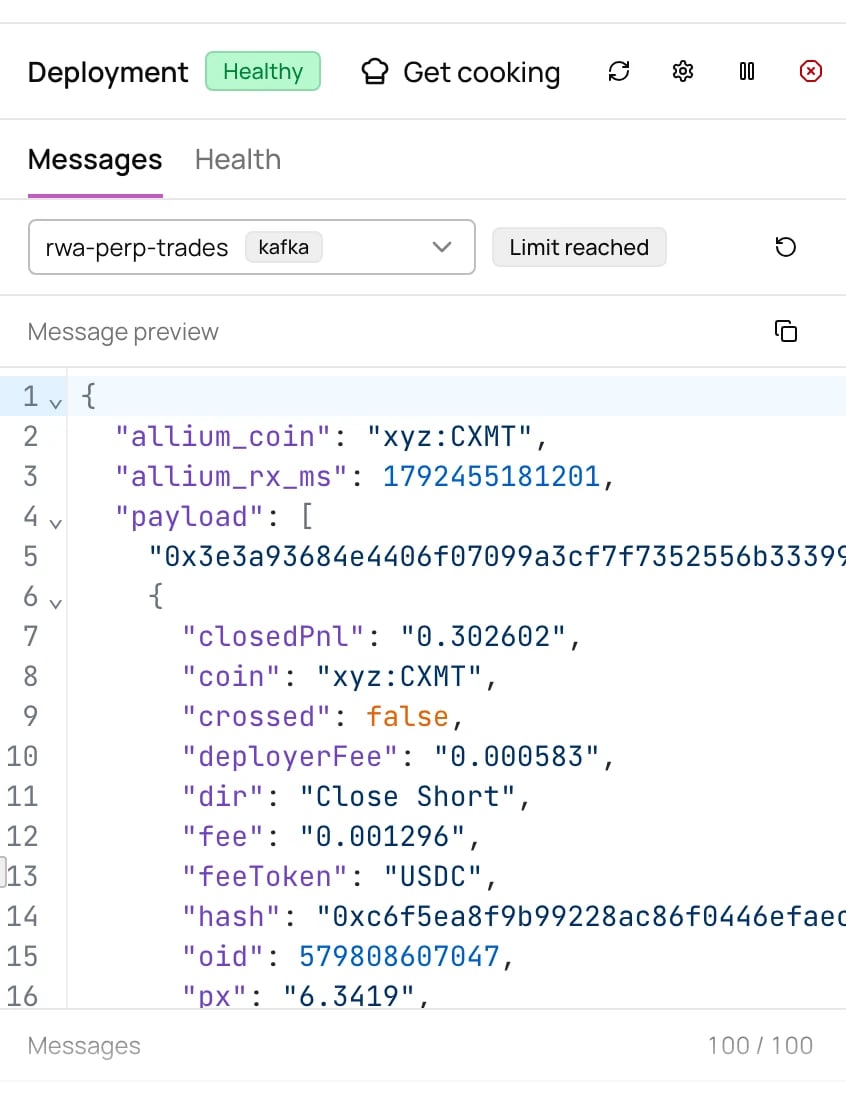
Updating a pipeline
Edit the source, transforms, or sinks and deploy again. Deploys are idempotent and zero-downtime; changes apply in place.Next steps
Configuration reference
Sources, transforms, and sinks
Examples
Ready-to-use pipeline configs for common use cases